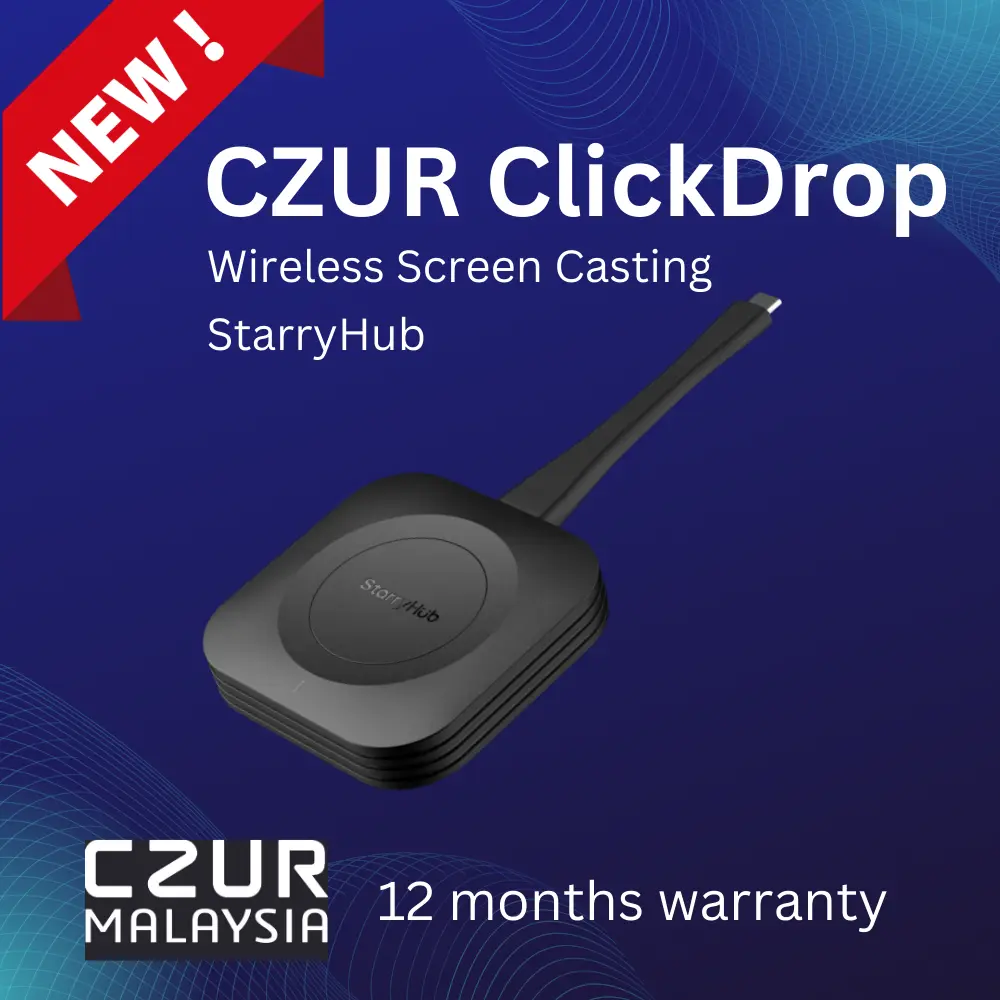
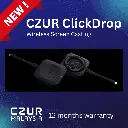
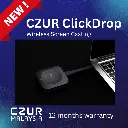
CZUR StarryHub ClickDrop
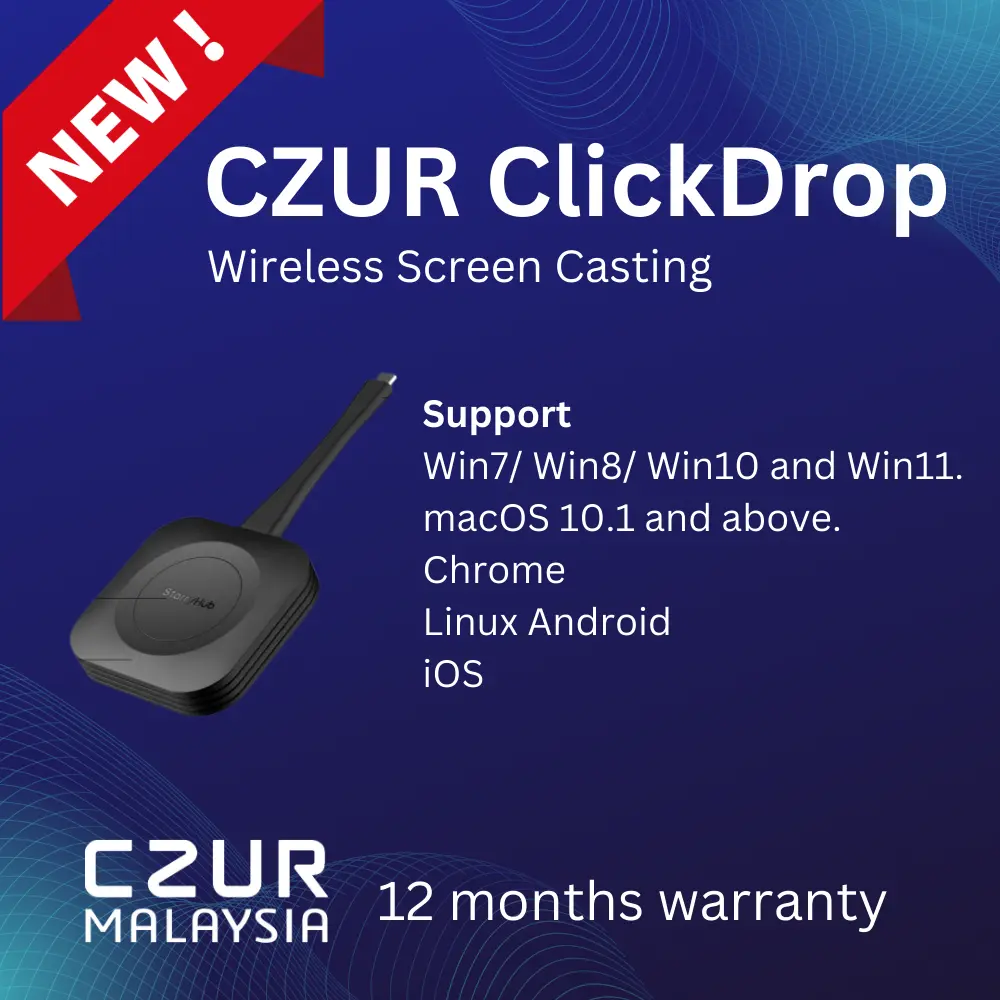
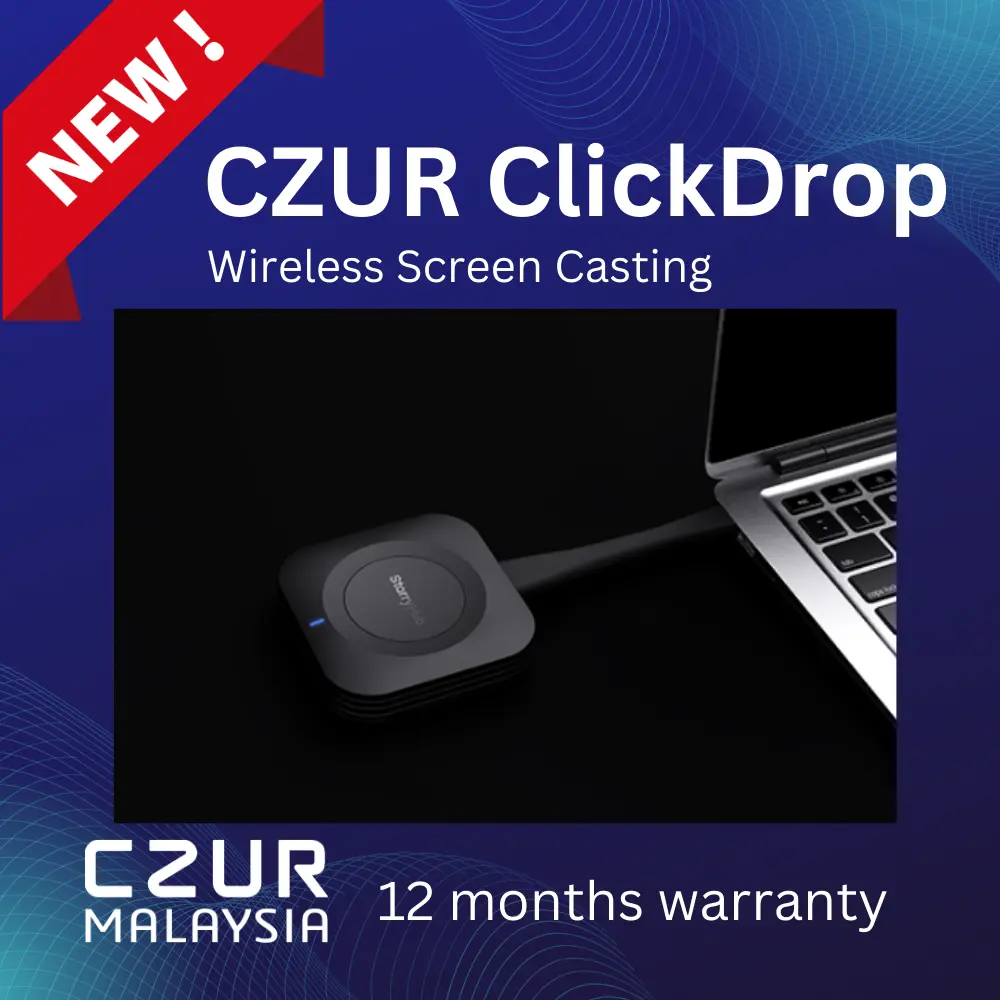
The CZUR StarryHub ClickDrop is a wireless screen-casting transmitter designed for use with the CZUR StarryHub Business Conference System. It allows users to quickly cast their laptop, computer, or mobile device screen to StarryHub with one-click operation, reducing the need for complicated cable connections, pre-meeting setup, and technical adjustment. ClickDrop supports multiple operating systems including Windows, macOS, Chrome, Linux, and Android, making it suitable for meeting rooms, presentations, training sessions, and hybrid collaboration environments. Warranty & Support: Includes 12-month carry-in warranty; technical support contact: support@czur.my.
Product Features
- Wireless screen-casting transmitter for CZUR StarryHub
- Designed to reduce traditional meeting room cabling
- Enables quick screen sharing with one-click operation
- Suitable for:
- Meeting rooms
- Presentations
- Training rooms
- Hybrid meetings
- Business discussions
- Classroom or seminar use
- Can be paired with StarryHub automatically
- Supports casting from computers or mobile devices
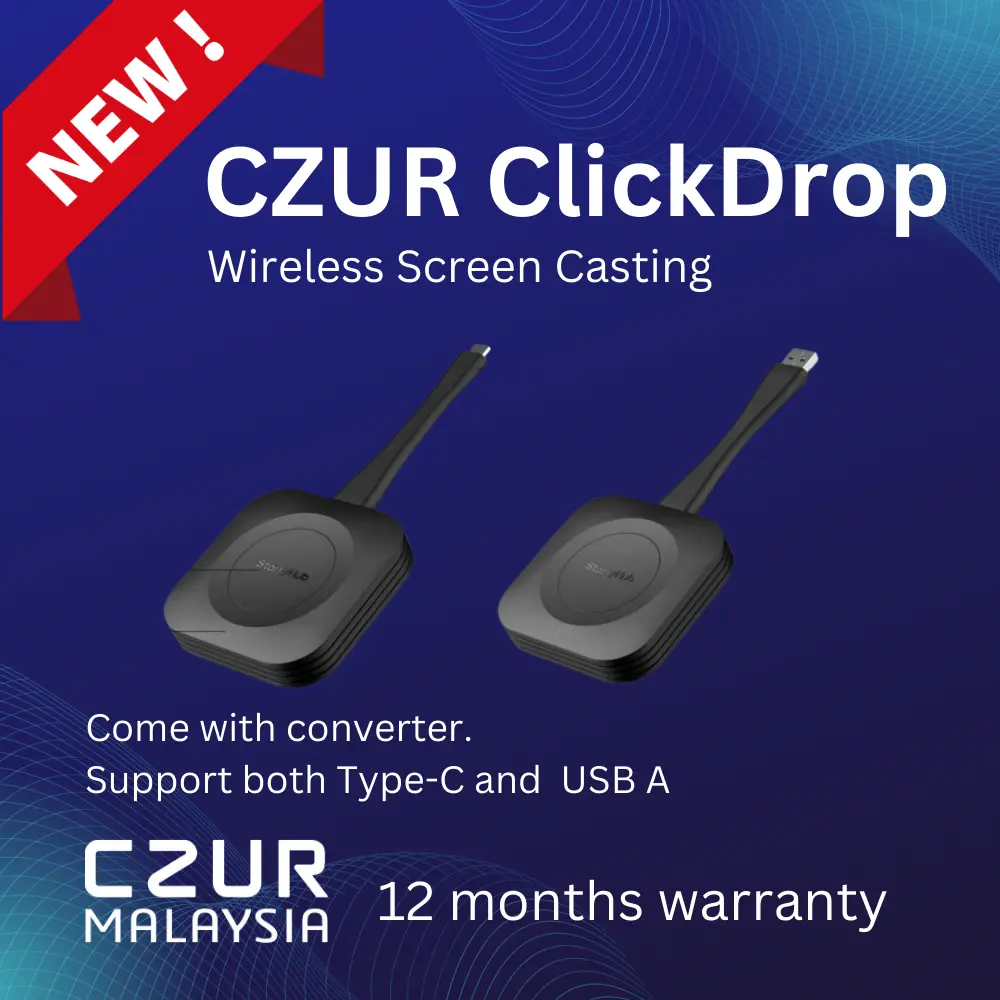
- Supports Type-C version for compatible devices
- Type-C casting requires the source device to support DisplayPort over Type-C
- Supports projection mode selection on Windows
- Supports projection mode selection on macOS
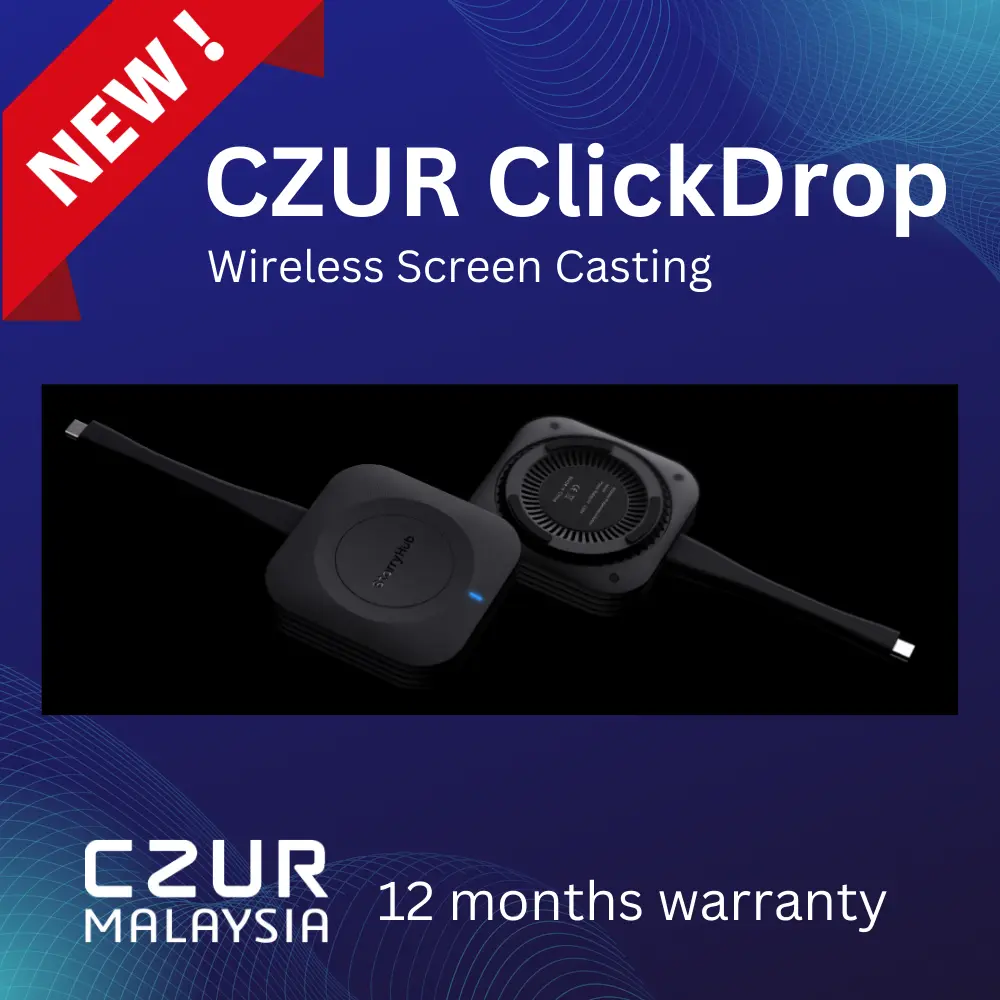
- LED indicator shows pairing and casting status
- Compact portable design
- Simple operation with a built-in casting button
- Helps improve meeting efficiency by reducing setup time
- Warranty & Support: Includes 12-month carry-in warranty; technical support contact: support@czur.my.
Product Specifications / Usage Information
- Product Name: CZUR StarryHub ClickDrop
- Product Type: Wireless screen-casting transmitter / gateway
- Main Function: Wireless screen casting to CZUR StarryHub
- Compatible System Support:
- Windows 7
- Windows 8
- Windows 10
- Windows 11
- macOS 10.1 and above
- Chrome
- Linux
- Android
- Connection Type:
- Type-C version
- USB-A version
- Type-C Requirement: Source device must support Type-C with DisplayPort compatibility
- Pairing Method: Insert ClickDrop into the StarryHub USB port for automatic pairing
- Casting Method: Insert ClickDrop into the computer or mobile device, wait for the indicator light to become steady blue, then press the casting button
- Windows Projection Modes:
- PC screen only
- Duplicate
- Extend
- Second screen only
- macOS Projection Modes:
- Main display
- Extended display
- Indicator Light Status:
- Blue light flashing: pairing in progress
- Blue light steady on: ready to cast / casting in progress
- Product Parts:
- Casting button
- Indicator light
- Type-C connector or USB-A connector, depending on model
- Software / Driver Note: For first-time Windows use, run the StarryHub ClickDrop program if the casting interface does not appear automatically
- Warranty & Support: Includes 12-month carry-in warranty; technical support contact: support@czur.my.